WhatsApp Username Rollout 2026: How to Check Availability, Format & Get Yours
July 27, 2026
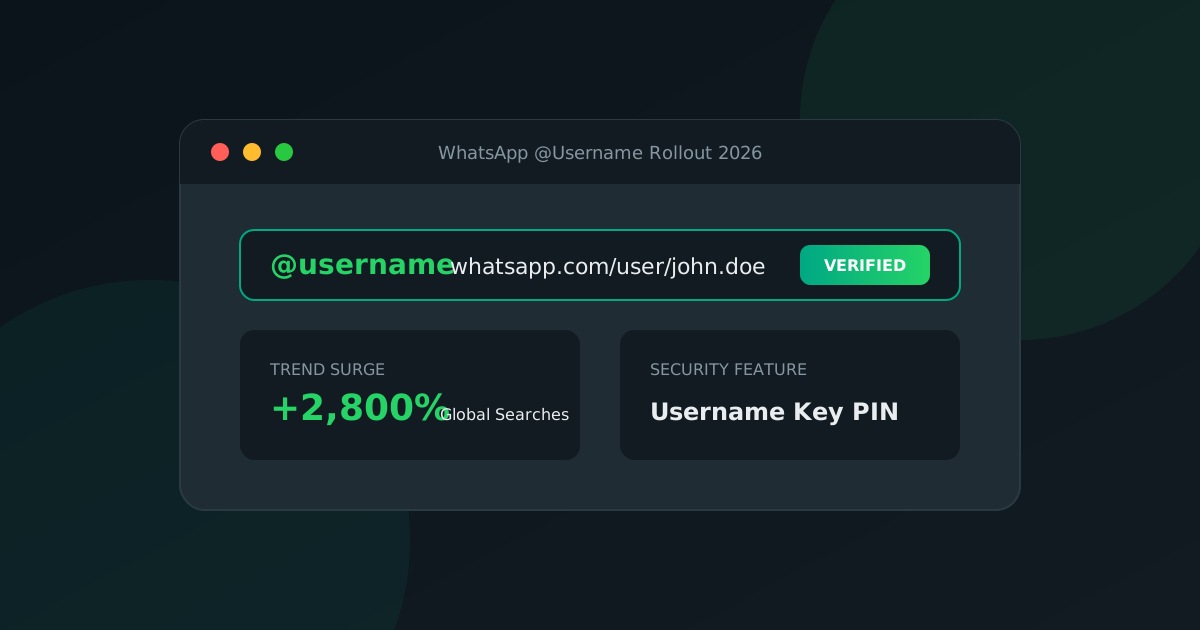
Search interest in the new WhatsApp username rollout surged by +2,800% in July 2026 as Meta expands @Username availability to millions of WhatsApp personal and WhatsApp Business accounts worldwide.
Whether you want to protect your personal phone number, set up a professional handle for your business, or generate a shareable wa.me link, this guide explains how the 2026 rollout works and how to claim your handle.
⚡ What is the WhatsApp Username Rollout?
Historically, WhatsApp required sharing a raw international phone number (e.g., +1 415 555 2671) to start a chat. In 2026, Meta introduced @Usernames, allowing users to pick a unique identifier—similar to Instagram or Telegram handles—that opens a direct WhatsApp chat without exposing their phone number.
The 2026 rollout is phased by region and account type:
- Beta Testers & Business Accounts: Early access for WhatsApp Business Platform users and Meta Verified accounts.
- Global Consumer Rollout: Region-by-region rollout for standard iOS and Android WhatsApp apps.
🛠️ How to Check Username Availability & Setup Rules
To ensure your preferred handle is accepted, WhatsApp enforces strict formatting criteria:
- Length: Must be between 3 and 35 characters.
- Allowed Characters: Lowercase letters (
a-z), numbers (0-9), dots (.), and underscores (_). - Letter Requirement: Must contain at least one lowercase letter.
- Forbidden Prefixes & Suffixes: Cannot start with
www.or end with domain extensions like.com,.net,.org, or file extensions (.png,.js).
What is the 4-Digit Username Key?
To prevent spam and unwanted discovery, WhatsApp introduced an optional Username Key (a 4 to 8 digit PIN). When enabled, a person must know both your @username and your Username Key to start a chat with you.
🌐 Generating Shareable wa.me Links & QR Codes
Having a username is only half the solution—you also need a clickable link for your Instagram bio, email signature, or print marketing.
You can instantly convert your WhatsApp handle or phone number into a shareable link and downloadable QR code using our free tool:
- Visit WhatsUsernames.link.
- Enter your
@username(and optional Username Key) or phone number. - Instantly copy your
wa.melink or download a custom SVG / PNG QR code.
💻 Developer API Access
If you build web applications or CRMs, you can generate WhatsApp links programmatically using our keyless REST API:
curl -X GET "https://whatsusernames.link/api/v1/username-link?username=john.doe&key=4821&text=Hello"
For full documentation and OpenAPI specifications, visit our Developer API Portal.
💡 Ready to create your link? Use our free WhatsApp Link Generator to generate instant
wa.meURLs and custom QR codes, or read our complete guide on how to create a WhatsApp link.
Got your WhatsApp link ready?
Create my link