How to Add Your WhatsApp Username & wa.me Link to Instagram Bio (2026 Guide)
July 27, 2026
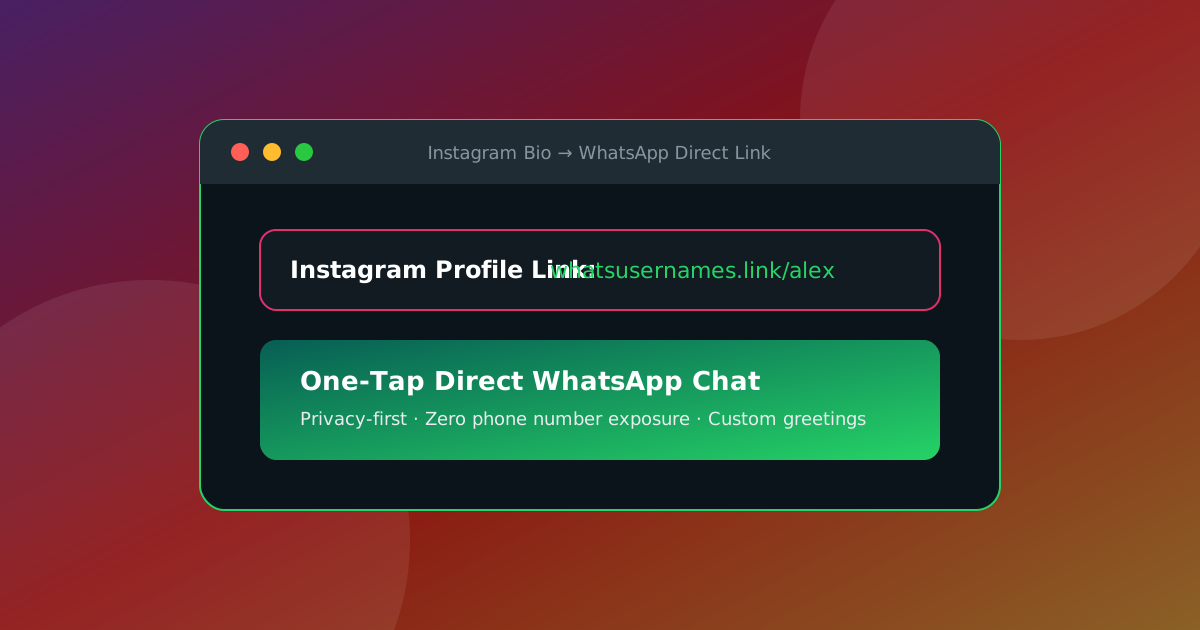
With Meta rolling out WhatsApp @Usernames worldwide, adding a direct click-to-chat link to your Instagram bio, TikTok profile, or digital business card is the single most effective way to convert social media followers into direct WhatsApp conversations.
In this guide, you will learn how to create a clean, privacy-friendly WhatsApp link (with an optional pre-filled message) and add it to your Instagram profile in less than 2 minutes.
⚡ Why Use a WhatsApp Link in Your Instagram Bio?
- Zero Phone Exposure: Using a
@usernamelink (e.g.https://whatsusernames.link/john.doe) keeps your private phone number hidden from public scrapers. - Instant One-Tap Chat: Followers click the link and immediately open a chat with you on WhatsApp without saving contacts.
- Custom Greeting Messages: You can pre-fill a welcoming message like "Hello! I saw your Instagram profile and would like more information."
- Dynamic QR Code Integration: Perfect for print flyers, product packaging, and physical business cards.
🛠️ Step 1: Generate Your WhatsApp Link
Before editing your Instagram bio, generate your clean WhatsApp link:
- Go to WhatsUsernames.link.
- Choose Username Link or Phone Link.
- Enter your
@username(e.g.,alex.studio) or phone number with country code. - (Optional) Add a pre-filled greeting message.
- Click Generate Link and copy your shareable URL.
📱 Step 2: Add the Link to Your Instagram Profile
- Open the Instagram App on your phone (iOS or Android).
- Tap your profile picture at the bottom right to go to your profile page.
- Tap Edit Profile.
- Tap Links → Add External Link.
- Paste your generated
https://whatsusernames.linkorwa.melink in the URL field. - Set the Title to "💬 Chat on WhatsApp" or "Contact Me on WhatsApp".
- Tap Done to save your changes.
💻 Developer API Integration
If you manage an e-commerce platform or social media management software, you can generate WhatsApp Instagram links programmatically using our keyless REST API:
curl -X GET "https://whatsusernames.link/api/v1/username-link?username=alex.studio&text=Hi%20from%20Instagram"
For complete API reference and OpenAPI schemas, visit our Developer Portal.
💡 Ready to create your link? Use our free WhatsApp Link Generator to generate instant
wa.meURLs and custom QR codes, or read our complete guide on how to create a WhatsApp link.
Got your WhatsApp link ready?
Create my link