How to Generate WhatsApp Links and QR Codes in Bulk from a CSV (2026 Guide)
October 15, 2026
Short answer: to generate WhatsApp links and QR codes in bulk, list one phone number per line in a CSV (country code included, optional pre-filled message in a second column), upload it to a bulk generator, and download a ZIP with one wa.me link and one QR code image per row. With the Bulk Link & QR Pack this takes under a minute for up to 500 contacts, for a one-time $4.99.
Why generate WhatsApp links in bulk?
Creating a WhatsApp click-to-chat link by hand is fine for one number. It stops being fine when you need 40 table QR codes for a restaurant, a personalized link for every speaker at a conference, or one WhatsApp QR code per property listing. A bulk WhatsApp link generator turns a spreadsheet into every link and QR code you need in a single step.
Common use cases:
- Restaurants and cafés: one WhatsApp QR code per table to order, ask for the bill or call the waiter.
- Events and trade shows: a
wa.melink for each speaker, exhibitor or sales rep, ready for badges and printed programs. - Business cards and flyers: a click-to-chat QR code per team member or store location.
- Real estate and retail: one WhatsApp link per listing or product, with the item name already in the message.
- Marketing campaigns: a different pre-filled message per channel (flyer, Instagram, billboard) to see which one gets chats.
The CSV format
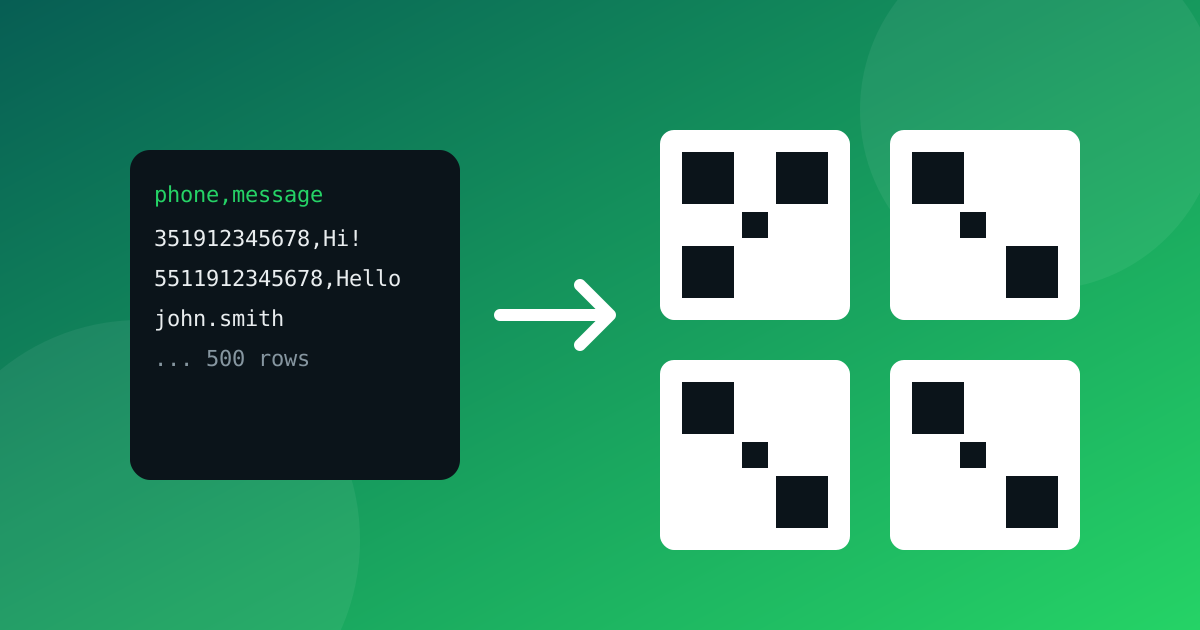
One contact per line. The first column is a phone number with country code or a WhatsApp username; the optional second column is the pre-filled message.
phone,message
351912345678,Hi! I'd like to book a table
5511912345678,Hello, I saw your flyer
john.smith
Rules that avoid problems:
| Rule | Why it matters |
|---|---|
| Include the country code | wa.me needs the full international number, without +, spaces or leading zeros. The generator cleans those for you. |
| Wrap messages containing commas in double quotes | "Hi, I want the offer" stays one column. |
| Commas and semicolons both work | Handy for spreadsheets exported in different regions. |
| A header row is optional | Rows like phone,message are detected and skipped. |
| Up to 500 rows per file | Split larger lists into several files. |
Step by step
- Prepare your CSV in Google Sheets or Excel and export it as
.csv. - Open the bulk WhatsApp link and QR code generator and paste or upload the file. The preview is free: you see how many rows are valid and the first links.
- Fix invalid rows (numbers too short, unsupported characters) and confirm the counts.
- Pay once ($4.99) securely with Stripe. There is no account and no subscription; Stripe displays the price in your local currency.
- Download the ZIP: a
qr/folder with one PNG per link (0001.png,0002.png…) and alinks.csvthat maps every input to itswa.meURL and QR file.
What the links look like
Every row becomes the officially documented click-to-chat format:
https://wa.me/351912345678?text=Hi%21%20I%27d%20like%20to%20book%20a%20table
The message is URL-encoded, so the chat opens with the text ready to send. For a deeper look at message formatting see our guide to custom WhatsApp link messages.
Phone numbers vs usernames
Phone-number links (wa.me/<number>) work for everyone. Username links (wa.me/<username>) only open a chat where WhatsApp's phased username rollout has already arrived, so for printed material prefer phone numbers until your region is live. We explain the current state in wa.me/username vs wa.me/phone.
Best practices for printed WhatsApp QR codes
- Test before printing: scan one code from each batch with an old and a new phone.
- Keep contrast and a quiet zone: dark code on a light background, with blank margin around it. More tips in our WhatsApp QR code guide.
- Label what the code does: "Scan to chat on WhatsApp" gets more scans than a bare code.
- Use a different message per placement so you can tell which flyer or table generated the chat.
- Respect consent: only message people who contact you or agreed to be contacted. Click-to-chat links are for inbound conversations, not for building unsolicited lists.
Privacy: what happens to your numbers
The free generators on WhatsUsernames.link run in your browser. The paid Bulk Pack is the one exception: when you download, your CSV is sent to our server, processed in memory to build the ZIP and not stored. Payment is handled by Stripe. Details are in the privacy policy.
Frequently asked questions
How many WhatsApp QR codes can I make at once? Up to 500 per CSV.
Is it a subscription? No. One payment of $4.99 USD, up to 5 downloads within 48 hours.
Can I add a different message to each link? Yes, in the second CSV column.
Is it affiliated with WhatsApp or Meta? No, it is an independent tool.
📦 Ready to create them? Try the bulk WhatsApp link and QR code generator, or use the free single link generator for one number.
Related
Got your WhatsApp link ready?
Create my link