We launched a free API for generating WhatsApp links
July 5, 2026
What we just shipped
Starting today, everything WhatsUsernames.link does on the website is also available as an API: generate WhatsApp links from usernames or phone numbers, validate inputs, and create customized QR codes — all through plain HTTP GET requests.
Three decisions define this API:
- No API key and no signup. You call the endpoint and get the response. No dashboards, tokens, or confirmation emails.
- Free, with rate limits generous enough for normal use.
- CORS enabled on every endpoint — you can call it straight from the browser, on a static site, with no backend.
Full documentation lives at whatsusernames.link/developers, and there is a machine-readable OpenAPI 3.1 specification — handy for generating clients automatically or giving context to AI assistants.
The seven endpoints
| Endpoint | What it does |
|---|---|
GET /api/v1/username-link | WhatsApp link + short link from a username |
GET /api/v1/phone-link | Official wa.me link from a phone number |
GET /api/v1/validate/username | Validates the structure of a username |
GET /api/v1/validate/key | Validates a Username Key (4-8 letters/numbers) |
GET /api/v1/validate/phone | Validates an international phone number |
GET /api/v1/qr | QR code (PNG or SVG) with custom size and colors |
GET /api/v1/openapi.json | The API's own OpenAPI 3.1 specification |
Quick examples
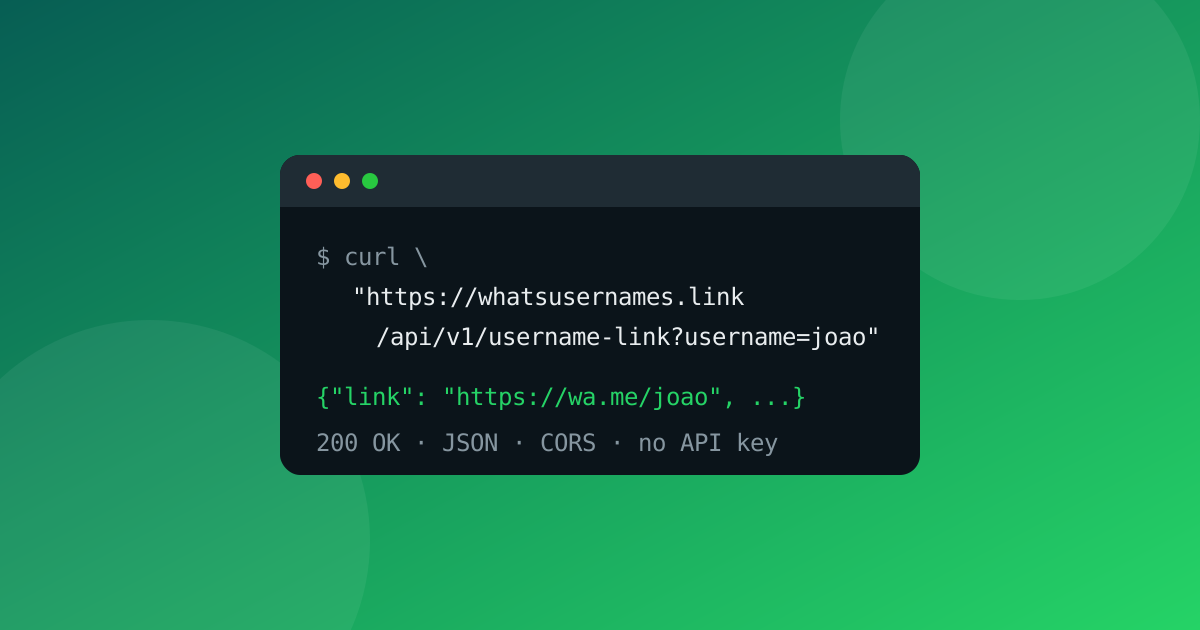
Generate a link from a username, with curl:
curl "https://whatsusernames.link/api/v1/username-link?username=joao.silva"
Response:
{
  "username": "joao.silva",
  "link": "https://wa.me/joao.silva",
  "shortLink": "https://whatsusernames.link/joao.silva",
  "notice": "As of 2026-07-04, wa.me/<username> links do not yet open a chat for most accounts..."
}
From the browser or Node.js, no library needed:
const res = await fetch(
  "https://whatsusernames.link/api/v1/phone-link?phone=351912345678&text=hello"
);
const data = await res.json();
console.log(data.link); // https://wa.me/351912345678?text=hello
A WhatsApp-green QR code as SVG, ready to drop into a page:
https://whatsusernames.link/api/v1/qr?username=joao.silva&format=svg&color=25d366
Rate limits and errors
Limits are per IP: 60 requests per minute on JSON endpoints and 20 per minute on the QR endpoint. Every response includes X-RateLimit-Limit, X-RateLimit-Remaining, and X-RateLimit-Reset headers; exceeding the limit returns HTTP 429 with Retry-After. Identical requests are served from the CDN cache and don't count against the limit.
Errors are always JSON with a stable, machine-readable code:
{
  "error": {
    "code": "username_length",
    "message": "Username must be 3-35 characters."
  }
}
Error codes never change within v1 — you can safely build logic on top of them.
An honest note about username links
As we explained in another article, wa.me/username links don't open a chat for most accounts yet — WhatsApp's username rollout is phased and regional. That's why the username-link endpoint's response always includes a notice field with the current status, so your application (or your user) is never caught off guard.
Phone-number links (wa.me/<number>) are officially documented and work for everyone, today.
What it's useful for in practice
- Websites and landing pages that generate the contact link dynamically, with no backend.
- Internal tools and CRMs that validate numbers before creating outreach campaigns.
- Print-material generators that need SVG QR codes in brand colors.
- Bots and automations (n8n, Zapier, scripts) that build WhatsApp links on the fly.
- AI assistants — point an agent at the OpenAPI spec and it knows how to generate correct WhatsApp links.
Start at whatsusernames.link/developers. If you build something with the API, we'd love to hear about it.
💡 Ready to create your link? Use our free WhatsApp Link Generator to generate instant
wa.meURLs and custom QR codes, or read our complete guide on how to create a WhatsApp link.
Related
Got your WhatsApp link ready?
Create my link