MCP server: connect your AI agent directly to our API
August 11, 2026
What we just shipped
After the free REST API and the npm SDK, we took the next obvious step: an MCP (Model Context Protocol) server, so AI agents — Claude, ChatGPT with plugins, or any MCP-speaking client — can use our API directly, with no integration code to write.
It's live at POST https://whatsusernames.link/api/mcp, Streamable HTTP transport, no API key or signup, same as the rest of the platform.
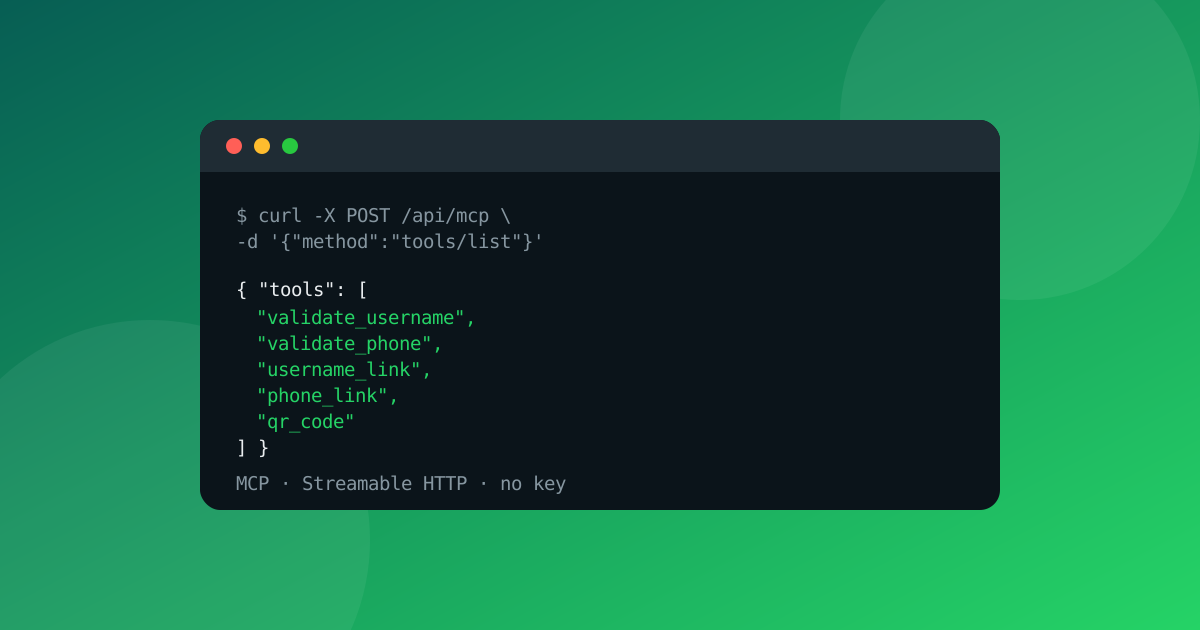
The 5 tools
validate_username— validates a WhatsApp@usernameformatvalidate_phone— validates a phone number (8-15 digits, international format)username_link— generates thewa.melink and short link from a usernamephone_link— generates thewa.melink from a phone numberqr_code— generates a QR code (PNG or SVG) for any WhatsApp link
Each tool uses the exact same validation and service logic as the REST API v1 — results are identical, only the transport changes.
How to connect
Any MCP client with Streamable HTTP support can connect directly by URL, no extra auth steps. Example configuration:
{
  "mcpServers": {
    "whatsusernames": {
      "url": "https://whatsusernames.link/api/mcp"
    }
  }
}
From there, the agent sees the 5 tools listed and can call them like any other native tool — for example, asking "generate a WhatsApp link and QR code for the username joao.silva" resolves into a single username_link call followed by qr_code, with the agent never needing to know anything about our API's internal format.
Limits and no key
The same per-IP rate limits from the REST API apply here: 60 requests/minute for most tools, 20/minute for qr_code (heavier to generate). Only tool calls count toward the limit — tools/list requests or protocol errors don't consume quota. Limits ship in the response headers, so the agent itself can react to a 429 without manual intervention.
Why this matters
None of the competing WhatsApp link generators today offer a native way for AI agents to use them — just web forms built for humans. With the MCP server, WhatsUsernames.link becomes the only tool in this niche an agent can discover and operate on its own, with no scraping or custom integration required.
The server self-describes — any MCP client gets the full schemas for all 5 tools via tools/list, no separate docs required. Quick summary also available in llms.txt, alongside the rest of the API at whatsusernames.link/developers.
💡 Ready to create your link? Use our free WhatsApp Link Generator to generate instant
wa.meURLs and custom QR codes, or read our complete guide on how to create a WhatsApp link.
Related
Got your WhatsApp link ready?
Create my link